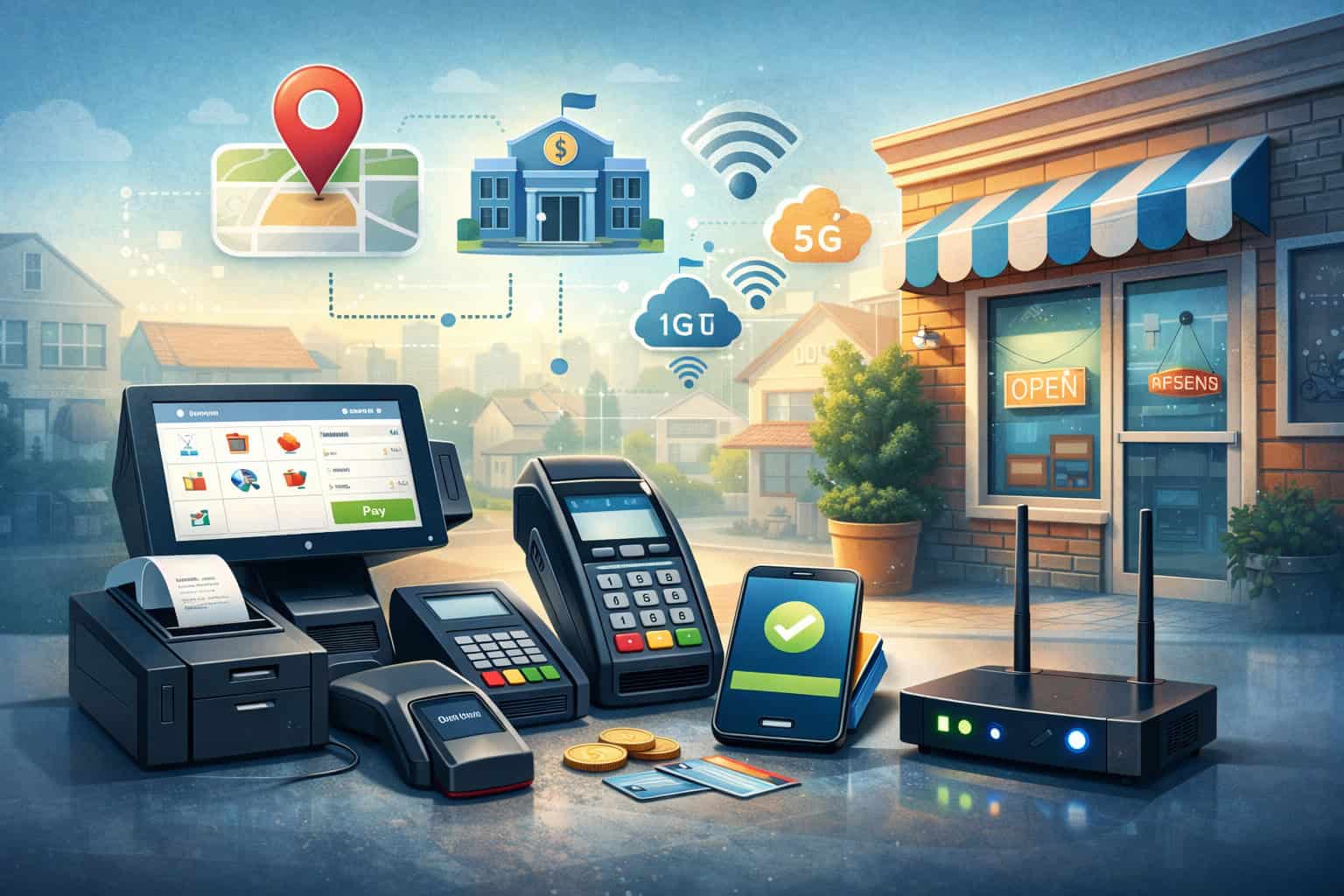
Local payment processing solutions for small businesses are no longer “just a way to take cards.” They’re now part of how you control cash flow, reduce costs, improve checkout speed, prevent fraud, and create a better customer experience—whether you’re selling in a storefront, on the go, or online.
The goal of this guide is simple: help you choose local payment processing solutions for small businesses that match how you actually operate, not how a generic provider wants you to operate.
You’ll learn what “local” really means in payments, what features matter most, how pricing works, how to avoid common traps, and what’s changing next (including real-time payments and Tap to Pay).
Throughout the article, you’ll see practical steps you can apply immediately—even if you’re switching processors, opening a new location, or trying to fix confusing fees.
Local payment processing solutions for small businesses are also about stability. When your processor is responsive, your funding is predictable, and your tools fit your workflow, you spend less time fixing payment issues and more time growing. Let’s get into it.
Understanding Local Payment Processing Solutions for Small Businesses
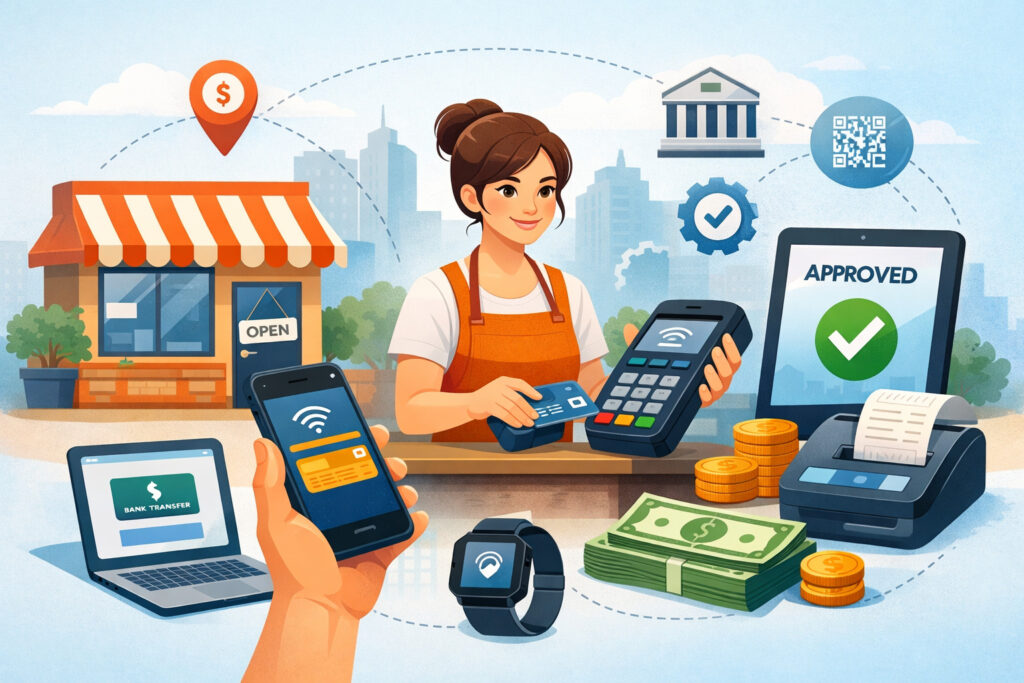
Local payment processing solutions for small businesses usually mean one (or more) of these realities: you have a nearby or regionally focused provider, you get support from people who understand your local market, you can set up on-site hardware quickly, and your processing is optimized for the way local customers pay.
In practice, “local” is less about geography and more about outcomes—faster help, better fit, and fewer operational surprises.
A strong local setup typically includes a merchant account (or payment account), a gateway (for online transactions), a point-of-sale system (for in-person acceptance), and a funding pipeline that deposits money to your bank with clear timelines.
Local payment processing solutions for small businesses also often include onsite installation, same-day or next-day device replacement, and coaching on chargebacks and fraud patterns common in your area.
Another key “local” factor is how your business is categorized and underwritten. Two businesses can sell the same products but have different risk profiles depending on average ticket size, customer base, seasonality, and fulfillment methods.
The best local payment processing solutions for small businesses account for that reality upfront—so you don’t get hit with sudden reserve requirements, delayed funding, or unexpected account reviews.
If you’re evaluating local payment processing solutions for small businesses, focus less on marketing buzzwords and more on whether the provider can support your mix of payments: card-present, card-not-present, digital wallets, invoice links, QR codes, and bank-to-bank options. The right choice becomes a business system—not a basic tool.
Why Local Processing Matters for Cost, Cash Flow, and Customer Experience

Local payment processing solutions for small businesses can directly impact profit margins because payment costs aren’t just “the fee.” They include hidden expenses like downtime, slow deposits, hardware limitations, staff training time, chargeback losses, and time wasted reconciling reports.
When those costs are reduced, your effective processing cost drops—sometimes more than any advertised rate reduction.
Cash flow is another big reason local payment processing solutions for small businesses matter. If your deposits are unpredictable or your provider places “risk holds,” you may struggle to restock inventory, pay vendors, or cover payroll.
A local-oriented provider often structures your account with more realistic transaction patterns, so legitimate spikes (weekends, events, holidays) don’t automatically trigger funding interruptions. That’s especially important for seasonal businesses, appointment-based services, and higher-ticket retail.
Customer experience also changes when you use local payment processing solutions for small businesses that support modern payment methods. Shoppers expect fast checkout, digital receipts, tap-to-pay, and smooth refunds.
If your terminal lags, your system can’t accept wallet payments, or your online checkout feels clunky, customers may abandon purchases or choose competitors. Even in a neighborhood market, people compare your checkout to the best experiences they’ve had anywhere.
Finally, local payment processing solutions for small businesses can reduce “resolution time” when something breaks. A payment problem at 2 PM on Saturday isn’t a Monday problem—it’s lost revenue right now.
Local providers tend to excel at fast hardware swaps, direct phone support, and hands-on troubleshooting. That kind of operational reliability is hard to price, but it’s very real.
The Building Blocks of a Reliable Local Payment Setup
Local payment processing solutions for small businesses work best when you understand the major components and how they connect.
At a minimum, you’re dealing with (1) a merchant account or payment account, (2) card network connectivity, (3) a gateway for online or keyed transactions, and (4) devices or software that capture payment data securely.
The merchant account is where transactions are routed and settled. Some providers offer true merchant accounts with underwriting tailored to your business; others offer aggregated setups where you share a platform with many businesses.
True merchant accounts often provide more stability for growing operations, while aggregated setups can be faster to start. Many local payment processing solutions for small businesses help you choose the structure that matches your risk profile and growth plan.
The gateway is another critical building block. It’s the “bridge” that securely transmits transaction data, handles tokenization, and can integrate with your website, invoicing tools, or POS.
A strong gateway reduces declines, supports recurring billing, and simplifies refunds. If you plan to sell online and in-person, your gateway and POS should work together so customers have a consistent experience.
Hardware and POS software complete the setup. You may use countertop terminals, mobile readers, tablet-based systems, or integrated registers with barcode scanning and inventory. The right combination depends on your environment—busy checkout lanes, tableside service, field services, pop-up events, or appointment-based billing.
Most importantly, local payment processing solutions for small businesses should include reporting and reconciliation tools. You want easy daily settlement reports, clear fee breakdowns, and simple exports to accounting software. A reliable local setup is not just “it processes payments.” It’s “it helps you run the business.”
How to Choose the Right Provider Without Overpaying or Getting Locked In
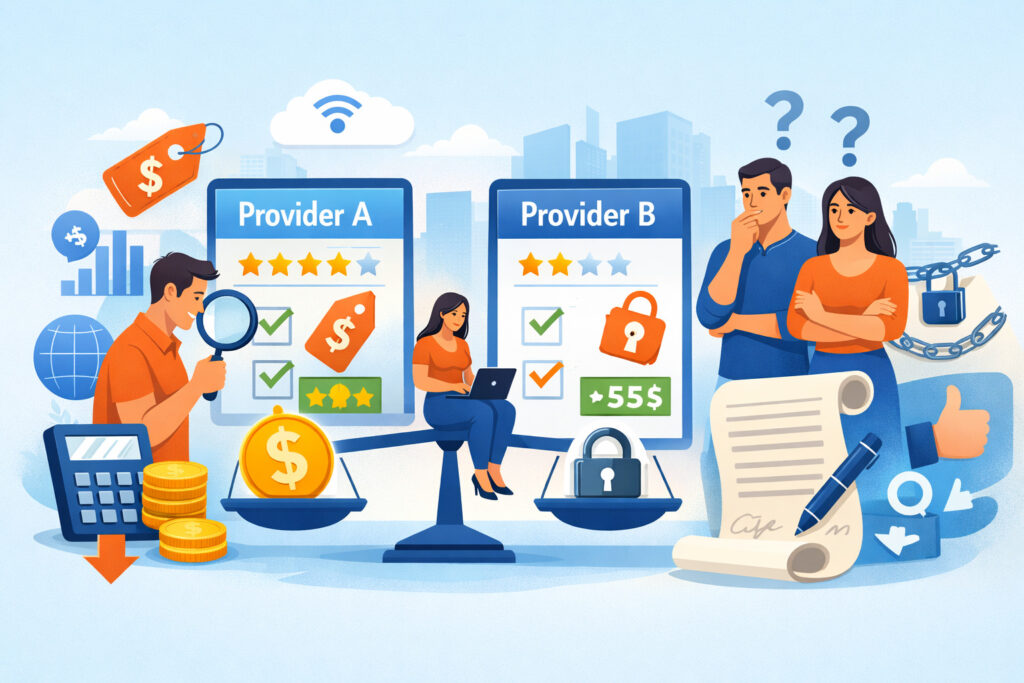
Choosing local payment processing solutions for small businesses can feel overwhelming because many providers sound similar. The best approach is to evaluate them like you’d evaluate any operational partner: transparency, reliability, scalability, and support—not just a headline rate.
Start with the questions that protect you from painful surprises:
- What is the full pricing model (interchange-plus, tiered, flat-rate, membership-style)?
- Are there monthly minimums, statement fees, gateway fees, PCI program fees, or batch fees?
- What are the contract length and termination terms?
- What triggers funding holds or reserve requirements?
- What does support look like when something breaks on weekends?
Local payment processing solutions for small businesses should also fit your business model. If you’re retail-heavy, you want fast terminals, EMV + contactless support, barcode/inventory tools, and employee permission controls.
If you’re service-based, you may need invoicing, recurring billing, tipping, and mobile checkout. If you’re omnichannel, you need unified reporting and customer profiles.
Ask about integrations. Many businesses pay extra because their POS and processor don’t align—leading to double entry, messy reconciliation, and inconsistent refunds. Strong local payment processing solutions for small businesses integrate with your POS, e-commerce platform, accounting tools, and CRM where relevant.
Finally, evaluate the provider’s “problem-solving behavior.” A great provider educates you about chargebacks, helps you optimize acceptance rates, and recommends the right security tools. If a sales rep avoids details or rushes you to sign, that’s not a local solution—it’s a generic sale.
Understanding Pricing, Fees, and the Real Cost of Processing
Local payment processing solutions for small businesses often look cheaper or more expensive depending on how pricing is presented. What matters is the total effective cost and how predictable it is for your transaction mix. The main pricing structures you’ll see are interchange-plus, tiered, and flat-rate.
Interchange-plus is widely considered the most transparent because you pay the underlying interchange cost (set by card networks and issuer factors) plus a consistent markup. This helps you see where money goes and compare providers more fairly.
Many local payment processing solutions for small businesses prefer interchange-plus when a business has steady volume and wants better long-term control.
Tiered pricing groups transactions into “qualified,” “mid-qualified,” and “non-qualified” buckets. It can be harder to predict because the same customer card can fall into different tiers depending on how it’s run (swiped vs keyed, with or without AVS, etc.). Tiered pricing may look simple but can cost more if many transactions fall into higher tiers.
Flat-rate pricing can be convenient for startups because it’s easy to understand, and costs are predictable per transaction. The downside is you may overpay as volume grows, especially if your customers use debit or lower-cost cards.
Still, some local payment processing solutions for small businesses use flat-rate models strategically for early-stage businesses that value simplicity.
Beyond the rate, you must watch “extras.” Common fees include gateway access, PCI compliance programs, monthly account fees, terminal fees, chargeback fees, and “non-returned item” fees for equipment.
To judge a quote, ask for a sample month calculation using your real numbers: average ticket, monthly volume, card-present vs card-not-present, and refund rate. That’s how you compare local payment processing solutions for small businesses accurately.
Hardware and POS Options That Actually Fit Small Business Workflows
Hardware choices can make or break local payment processing solutions for small businesses, because the best rate in the world doesn’t matter if your checkout is slow or unreliable. The right hardware depends on where you sell, how busy you get, and how much you need your POS to do beyond payments.
Countertop terminals are great for straightforward checkout. They’re often reliable, fast, and easy to train on. If your business runs on quick transactions—like convenience retail, small specialty stores, or checkout counters—this may be all you need.
The best local payment processing solutions for small businesses offer terminals that support EMV chip, contactless tap, and digital wallet acceptance.
Tablet-based POS systems are a step up when you need inventory, item libraries, modifiers, employee management, tipping, and customer profiles. They work well in cafes, boutiques, salons, and multi-service businesses. The key is integration: your POS should sync sales data, taxes, and refunds without forcing you to jump between multiple dashboards.
Mobile readers and handheld terminals support on-the-go selling—field services, pop-ups, markets, and delivery-based businesses. Mobile options are also useful as “line-busting” tools during peak hours.
Many local payment processing solutions for small businesses now support Tap to Pay on supported phones, which can reduce hardware dependency for certain use cases.
When evaluating hardware, also think operationally: Do you need offline mode for internet outages? Do you need multiple devices with shared inventory? Do you need receipt printing, kitchen printing, or barcode scanning?
Good local payment processing solutions for small businesses recommend hardware based on workflow, not upsell opportunities.
Online Payments and Omnichannel Acceptance Without Data Chaos
Local payment processing solutions for small businesses increasingly require an online component—even if your business is primarily in-person.
Customers want to pay deposits, buy gift cards, place pickup orders, pay invoices, or complete orders after browsing in-store. If your online tools don’t match your in-person tools, you end up with split reporting and inconsistent customer experiences.
A clean omnichannel setup includes an online checkout (or payment links/invoicing), fraud tools appropriate for card-not-present transactions, and unified reporting that ties payments to orders. If you run subscriptions or membership billing, you also need recurring billing capabilities and easy update flows for expired cards.
Checkout optimization matters more than many small businesses realize. A slow or confusing checkout increases declines and cart abandonment.
Local payment processing solutions for small businesses should support wallet payments where possible, clear error handling, and mobile-friendly forms. Even small improvements—like saving customer payment tokens securely—can reduce friction and raise conversion rates.
Another overlooked factor is refunds and dispute handling. If a customer buys online and returns in-store, your system should handle that smoothly. If it can’t, you’ll create customer frustration and reconciliation headaches.
A provider that truly delivers local payment processing solutions for small businesses should help you map these real workflows: exchanges, partial refunds, tips, deposits, and split tender payments.
Finally, data should stay consistent. Products, taxes, discounts, and customer info shouldn’t live in separate silos. Omnichannel success comes from one operational picture—one set of reports, one view of customer history, and one way to reconcile. That’s what modern local payment processing solutions for small businesses are supposed to deliver.
Bank-to-Bank Options: ACH, Real-Time Payments, and Instant Settlement
Card payments are essential, but local payment processing solutions for small businesses are expanding fast into bank-to-bank payments. These options can reduce costs, improve speed, and support higher-ticket transactions with less risk of chargebacks—when used correctly.
ACH (bank transfer) is a long-standing method often used for invoices, B2B payments, and recurring billing. It typically costs less than cards, especially for larger amounts.
The tradeoff is timing and returns: ACH can take longer to settle, and certain returns are possible depending on authorization and timing. Still, many local payment processing solutions for small businesses use ACH for rent, memberships, service invoices, and vendor payments.
Real-time payments are becoming more relevant for small businesses that want immediate funds movement. Instead of waiting for standard settlement windows, real-time rails can move money quickly, including outside traditional banking hours.
This can help with urgent vendor payments, payroll timing, insurance disbursements, and instant customer refunds in some scenarios.
Instant payment infrastructure is also evolving through networks supported by financial institutions. As these networks expand, small businesses will increasingly expect faster settlement and more flexible payout timing.
Local payment processing solutions for small businesses that plan ahead may offer “push-to-card” payouts, instant disbursements, or real-time bank transfers as add-ons.
A practical approach is to treat bank-to-bank payments as a strategic tool: use cards for impulse buys and customer convenience, but route larger invoices, recurring memberships, and vendor payments through bank rails when it improves margins.
The best local payment processing solutions for small businesses help you choose the right rail for each transaction type—rather than forcing everything through one expensive channel.
Fraud Prevention, Chargebacks, and Risk Management That Won’t Slow Sales
Fraud prevention is not just a security topic—it’s a revenue topic. Local payment processing solutions for small businesses should reduce fraud without increasing false declines or making checkout annoying. The goal is balance: protect the business while keeping legitimate customers moving.
For in-person transactions, EMV chip acceptance and contactless payments reduce counterfeit fraud compared to older swipe methods. Your system should also support prompts like “insert or tap” and handle fallback rules correctly.
Staff training matters too: simple habits like verifying signatures only when required, checking ID for unusually large tickets, and keeping terminals in view reduce risk.
For online payments, risk tools become more important. Address verification (AVS), CVV checks, device fingerprinting, velocity limits, and 3D Secure can reduce fraud. But using them blindly can increase customer friction.
Good local payment processing solutions for small businesses tune these tools to your real patterns: average ticket size, shipping regions, and typical customer behavior.
Chargebacks deserve special attention because they drain money and time. A strong provider helps you build prevention into your process: clear refund policies, accurate descriptor names that customers recognize, fast customer support, and proof collection workflows.
When disputes happen, you need a system that makes it easy to respond with receipts, delivery confirmation, service records, or customer communications.
Risk management also includes funding stability. Sudden volume spikes, high refund rates, and mismatched business descriptions can trigger account reviews.
The best local payment processing solutions for small businesses proactively prepare your account: correct category setup, clear processing limits, and documentation ready for high-ticket or seasonal periods. That prevention mindset is what keeps sales flowing.
Security and Compliance: What Small Businesses Must Get Right
Security is non-negotiable, but it doesn’t have to be complicated. Local payment processing solutions for small businesses should make security simpler by reducing what you store, minimizing manual handling of card data, and guiding you through practical compliance steps.
A major security concept is “scope.” The less card data your systems touch, the easier compliance becomes. Using secure terminals, tokenized payment methods, and hosted checkout pages can reduce your exposure.
If you’re storing customer cards for recurring billing, it must be done through tokenization and vaulting—not spreadsheets, not email, not handwritten notes.
Most small businesses also need to align with card-industry security expectations, including using updated standards, strong passwords, and proper access controls. Security isn’t just technical—it’s operational.
Who has admin access to your POS? Are employees sharing logins? Are devices updated? Are remote access tools secured? Local payment processing solutions for small businesses should help you build a simple checklist and stick to it.
Network security matters too. Separate your guest Wi-Fi from business devices, use strong router credentials, and apply software updates. Many breaches happen through weak remote access or outdated systems—not through the payment processor itself. If your POS is cloud-based, enable multi-factor authentication and set user permissions by role.
Finally, treat compliance as an ongoing habit, not a one-time task. Run periodic scans if required, keep policies documented, and review staff access regularly. Local payment processing solutions for small businesses that include guided compliance support (not just generic emails) can reduce stress and reduce your risk of costly incidents.
Implementation Roadmap: How to Set Up or Switch Without Losing Sales
Switching processors or setting up a new system can feel risky, but a structured rollout makes it manageable. Local payment processing solutions for small businesses work best when you treat implementation like a mini project with testing, training, and a clean cutover plan.
First, map your acceptance needs. List where you take payments today (counter, mobile, online, invoices, phone orders) and what you want to add in the next 12 months. Include operational details like tipping, discounts, split payments, refunds, deposits, and gift cards. This prevents you from choosing a setup that fits today but blocks growth.
Second, plan your data migration and inventory setup if you’re using a POS. Product lists, tax rules, modifiers, and customer records need to be configured before go-live.
If you skip this, staff will improvise at checkout, and reporting will be messy. Many local payment processing solutions for small businesses offer onboarding teams—use them, and insist on a test environment when possible.
Third, test real transactions. Run a small set of live payments across key scenarios: chip, tap, refunds, partial refunds, tips, and online checkout. Verify deposits arrive as expected and reconcile correctly. Confirm the descriptor name that appears on customer statements. This step alone prevents a huge percentage of early issues.
Fourth, train staff with short, practical scripts: how to run chip/tap, how to handle declines, how to process refunds, and what to do if the internet goes down.
Finally, schedule your cutover at a low-risk time (often early week mornings) and keep the old solution available briefly as backup. A good provider of local payment processing solutions for small businesses will support you through the first settlement cycle to ensure everything is stable.
Future Predictions: Where Local Payment Processing Is Headed Next
Local payment processing solutions for small businesses are moving toward faster settlement, more flexible hardware, stronger fraud prevention, and deeper integration with business operations. The businesses that plan now will have smoother upgrades later—and avoid expensive “rip and replace” decisions.
One major direction is faster movement of money. Instant and real-time payment networks are expanding, and small businesses will increasingly expect near-immediate access to funds and more payout options.
That can reshape how you manage cash flow, especially when inventory cycles are tight or vendor terms are strict. Providers that support flexible payout timing, instant disbursements, and bank-to-bank options will stand out.
Another shift is device flexibility. Tap to Pay on supported phones and softPOS tools may reduce the need for dedicated hardware in certain scenarios, especially for mobile selling and service businesses.
At the same time, full POS systems will become more specialized by industry, offering features tailored to restaurants, retail, services, and field operations. Local payment processing solutions for small businesses will increasingly be “vertical solutions,” not one-size-fits-all.
Fraud tools will become smarter and more automated. Expect more AI-assisted risk scoring, better identity signals, and more adaptive authentication for online transactions. The challenge will be preventing fraud without increasing customer friction.
Businesses that choose providers with customizable controls will maintain higher approval rates while staying protected.
Finally, payments will keep merging with business management: inventory, loyalty, customer messaging, invoicing, and analytics. The best local payment processing solutions for small businesses will feel less like a processor and more like an operating system for revenue—helping you understand customers, improve margins, and scale without chaos.
FAQs
Q.1: What makes a payment processor “local,” and does it actually matter?
Answer: A processor is “local” when the service model supports local realities: faster setup, responsive support, practical hardware help, and pricing that fits the way your business runs day to day.
Local payment processing solutions for small businesses often matter most when something goes wrong or when your business changes—new location, seasonal spike, new product line, or online expansion.
If you only compare rates, you may miss the real value. Local-style providers often reduce downtime through quicker replacements and real troubleshooting instead of generic ticket systems.
They may also be better at guiding you through risk issues, chargeback prevention, and proper account setup—so you don’t get funding holds during your busiest weeks.
Local payment processing solutions for small businesses can also improve training and adoption. When a provider helps your staff understand checkout flows, refunds, and tipping settings, you reduce mistakes that lead to customer complaints and disputes.
The “local” advantage is less about distance and more about support quality, operational fit, and accountability. If your business depends on steady daily sales, it absolutely matters.
Q.2: Is interchange-plus pricing always best for small businesses?
Answer: Interchange-plus is often the most transparent structure, but it isn’t automatically the best for every situation. Local payment processing solutions for small businesses should recommend a pricing model based on your volume, ticket size, and sales channels—rather than pushing whatever is easiest to sell.
Interchange-plus tends to work well for established businesses with steady volume because it makes costs predictable and reduces the chance of hidden tier upgrades. It can also be better when your customer base uses a healthy mix of debit and standard cards, because you benefit from lower underlying costs on those transactions.
However, early-stage businesses sometimes prefer flat-rate pricing for simplicity, especially if volume is low and the business owner wants clean forecasting. The key is to compare effective cost, not just the base rate.
Ask for a sample month projection using your real numbers. The best local payment processing solutions for small businesses will show you the math, explain the fees, and help you avoid contracts that punish growth.
Q.3: How do I reduce chargebacks without losing customers?
Answer: Reducing chargebacks starts with prevention, not fighting. Local payment processing solutions for small businesses should help you design a customer experience that minimizes confusion and disputes.
Clear billing descriptors, easy-to-find contact info, and fast refunds can prevent many “friendly fraud” disputes where customers file a chargeback instead of asking for help.
Operationally, keep proof and communication organized. For services, document appointment confirmations, signed estimates, and completion records. For products, keep delivery confirmation and clear return policies.
For online sales, use confirmation emails, tracking updates, and transparent timelines. These reduce “item not received” and “not as described” disputes.
Fraud filters also matter. If you’re taking online payments, use tools like AVS/CVV checks, velocity limits, and adaptive authentication. But don’t over-tighten settings, or you’ll increase false declines and lose legitimate orders.
Strong local payment processing solutions for small businesses tune these controls so you reduce fraud while maintaining good approval rates.
Finally, respond fast to disputes when they happen. Many chargeback wins come down to timing and completeness. A provider with chargeback guidance, templates, and easy evidence uploads will save you time and improve outcomes.
Q.4: What hardware should I choose if I sell both in-store and on the go?
Answer: If you sell both in-store and on the go, you need a setup that supports consistent checkout, unified reporting, and simple staff training. Local payment processing solutions for small businesses often recommend a “core + mobile” approach: a reliable countertop or POS station as your main system, plus a mobile device for events, curbside, or line-busting.
Look for hardware that supports chip and contactless payments, and confirm the mobile tools can handle tips, receipts, refunds, and offline mode (if you sell in areas with weak signal). If your mobile device can only accept basic payments but not returns or adjustments, staff will create workarounds that cause reporting problems and customer frustration.
If you run inventory, you’ll want a POS that syncs across devices so stock counts don’t drift. If you don’t run inventory, you may prioritize speed, tipping, and invoice support instead.
The best local payment processing solutions for small businesses will ask about your workflow: peak hours, average ticket, number of staff, and whether you need receipt printing or barcode scanning.
A smart move is to choose a system that can scale: add devices, add locations, and add online checkout without changing everything. That scalability is what prevents costly re-platforming later.
Q.5: Can I accept bank transfers and still keep checkout fast?
Answer: Yes, but you should use bank transfers strategically. Local payment processing solutions for small businesses often combine cards for speed and convenience with bank-to-bank payments for specific use cases like invoices, memberships, larger ticket items, and vendor payments.
For checkout speed, cards and wallet payments remain the fastest in many in-person environments. Bank transfers shine when you’re sending payment links, collecting deposits, or handling recurring payments where lower fees matter. ACH can be cost-effective but may not feel “instant” depending on timing and bank processing windows.
Real-time payment rails are changing this, because instant transfer options can provide faster movement of funds and improved customer experience in some scenarios. Over time, more customers will expect instant options beyond cards.
The best local payment processing solutions for small businesses will help you decide where bank transfers fit: reduce costs on large invoices, improve settlement speed for certain payouts, and diversify your payment mix so you’re not dependent on one method.
The key is to avoid forcing bank transfer methods in situations where customers want frictionless checkout. Offer them as an option where they make sense, and keep card acceptance smooth for everyday purchases.
Q.6: What should I track monthly to know my processor is still a good fit?
Answer: To ensure your local payment processing solutions for small businesses remain a good fit, track a few practical metrics every month. First: effective rate (total fees divided by total processed volume). This shows whether pricing remains competitive and whether hidden fees are creeping up.
Second: deposit timing and funding stability. Track when batches settle and when deposits hit your account. If you see delays, partial deposits, or unexpected holds, investigate immediately. Cash flow consistency is often more important than a slightly lower rate.
Third: approval rate and decline reasons. A rising decline rate can signal issues with gateway settings, fraud filters, outdated terminals, or mismatched transaction types. Declines cost real money, especially online. Strong local payment processing solutions for small businesses help optimize approvals without increasing risk.
Fourth: chargeback rate and refund rate. Rising disputes may indicate customer confusion, product issues, or fraud. If refunds are rising, you may need better checkout messaging, better policies, or changes to your fulfillment process.
Finally: operational friction. How often do you contact support? How fast are issues resolved? Do reports reconcile cleanly? If the “time cost” is increasing, it may be time to renegotiate or switch. The best provider is the one that supports growth with fewer headaches over time.
Conclusion
Local payment processing solutions for small businesses are about more than taking payments—they’re about protecting revenue, improving cash flow, and building a checkout experience customers trust.
When you choose the right setup, you don’t just reduce fees; you reduce downtime, lower fraud exposure, prevent chargebacks, and make day-to-day operations smoother.
The smartest path is to evaluate your needs honestly: where you sell, how customers pay, what tools you need beyond payments, and how quickly you need help when problems happen.
Then choose local payment processing solutions for small businesses that match your workflow with transparent pricing, modern acceptance options, reliable hardware, unified reporting, and practical security support.
Payments will keep evolving: faster settlement, more bank-to-bank options, more Tap to Pay use cases, and smarter fraud tools. The businesses that win won’t chase every trend—they’ll build flexible systems that adapt.
If you focus on clarity, stability, and scalability, local payment processing solutions for small businesses become a competitive advantage you feel every day at checkout and every week when deposits hit your account.
Leave a Reply